Developing Digital Citizenship

We are fortunate to have any answer or fact at our fingertips. Yet this great resource can also be a huge disadvantage. As teachers we spend our time teaching students to be good stewards towards peers and teachers but we also teach them how to be safe in certain situations. Even though it is not written into the standards for us to directly teach digital safety we still need to ensure our students are developing good digital citizenship.
With the use of technology in education schools, school districts, and internet companies have thought of ways to ensure student safety. School or school districts can purchase software like GoGuardian that allows teachers and administration to filter and monitor websites that are not safe and to see in live time what students are doing on their devices. Most schools have a digital safety plan or guideline that students and parents must sign and can also be found in their handbook.
If you teach students in upper elementary like I do then here is how I teach internet safety. Using anchor chart paper, whiteboard, or smartboard I write the words "Great Student". I ask my students to call out what makes a great student. Their responses are typically "kind", "funny", "caring", "friendly", and the list goes on and on. After I let my students call out I try to get them to think deeper by asking questions such as "how do they act towards others in difficult situations" or "how to do they act outside the classroom or on the field?". Hopefully at this point students have identified that they help others, they do the right thing, etc. Using the points the students have made I discuss how these points apply not only to the classroom and the expectation to treat one another but also when we utilize technology. We discuss how to create a strong password and who to share the password with, what we post matters, and how search the internet safely.
Before allowing students to use their devices we discuss what is a good educational websites we can use for research or what games are appropriate for school. I take the time to show my students resources like kiddle.co that is a kid search engine through Google, Britannica Kids, or Kids Search which is also through Google. I also discuss how to use quotation marks in any searches that may need to be done. The use of quotation marks will help you find an exact match for what you are looking for.
At the very end I have all of my students sign the anchor chart to show that they understood everything they talked about and to hold them accountable throughout the year.
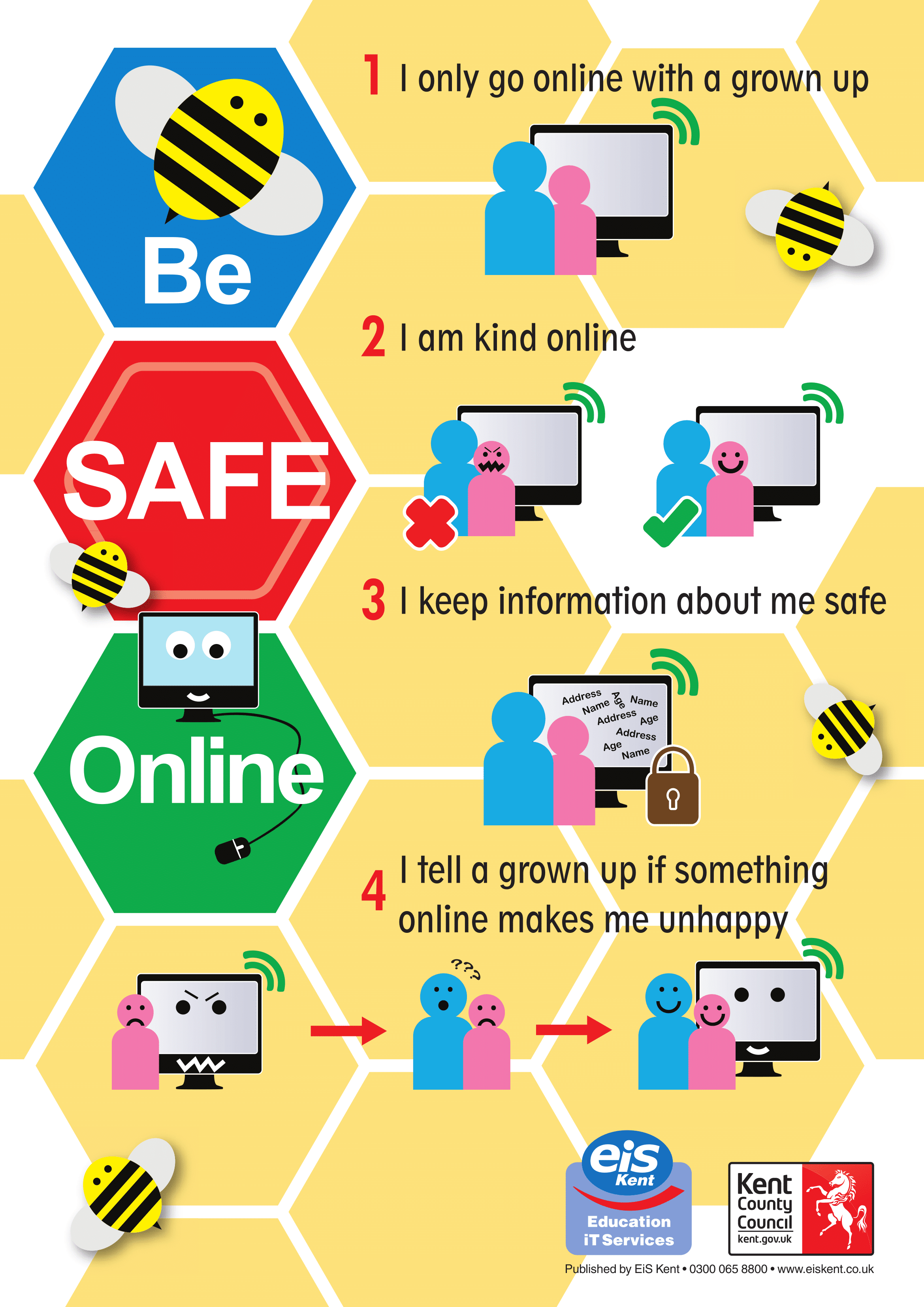
Websites used for this post:
https://www.commonsense.org/education/digital-citizenship/curriculum?grades=3%2C4%2C5


Thank you for sharing information about kiddle.co. I have never heard of this, but will introduce this to my students!
ReplyDeleteI agree- there are many advantages and disadvantages of students using technology! You gave a great example of how to teach students to be responsible online. Thank you for all the resources you posted! GoGuardian seems like a great tool to use to ensure students are being safe while using technology.
ReplyDeleteThank you for giving us another way to introduce digital citizenship to our students. The tool that you discussed GoGuardian is something that seems to be very interesting.
ReplyDeleteI was fortunate enough to get to teach in elementary education for 2 years and I know it can be very challenging, especially with this given topic, to get them to understand what you are trying to get across, but I think you are doing a great job introducing this to your students! They will be better off in the future because of it!
ReplyDelete